


Requirements:
- PC with installied ACI.Device.Updater Program
- Communication Kit (Art.No: 0003319)
Firmware update procedure
- Disconnect SPID3 from the power supply
- Unscrew the housing
- Connect the communication adapter
- Connect SPID3 to the power supply
- Start the device update software and load the update package
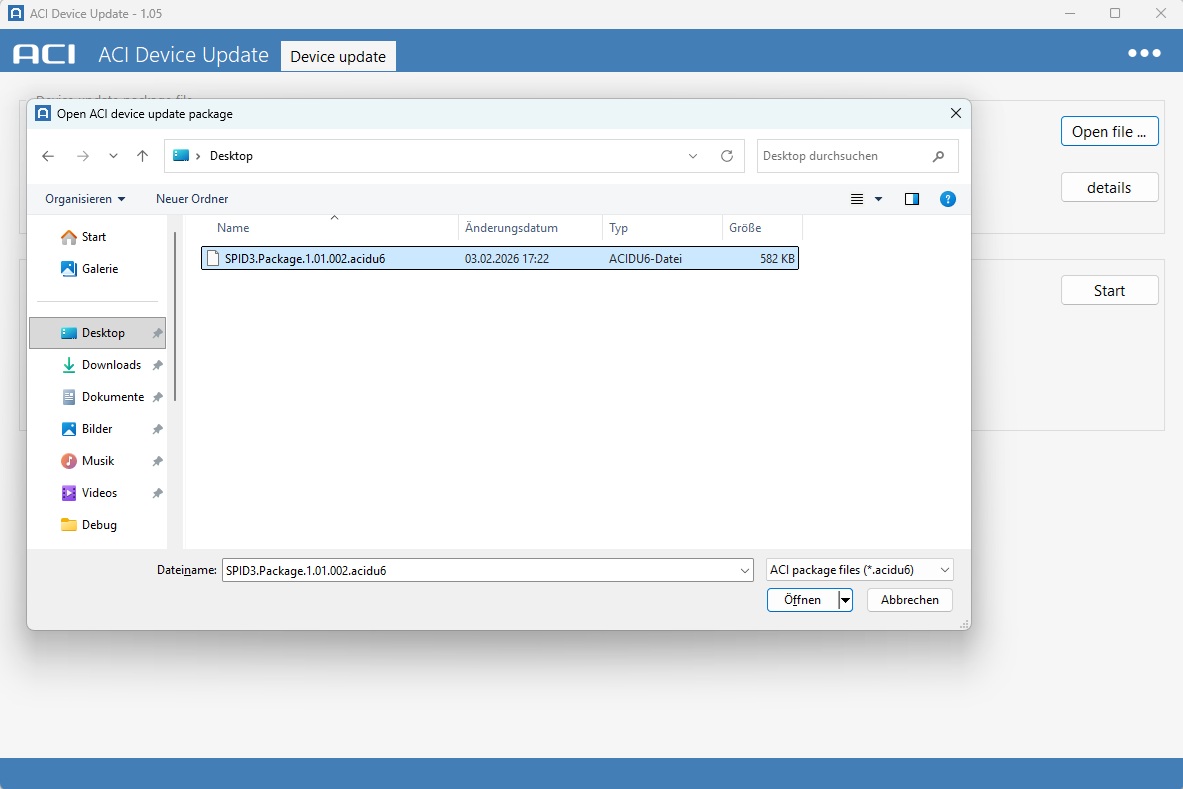
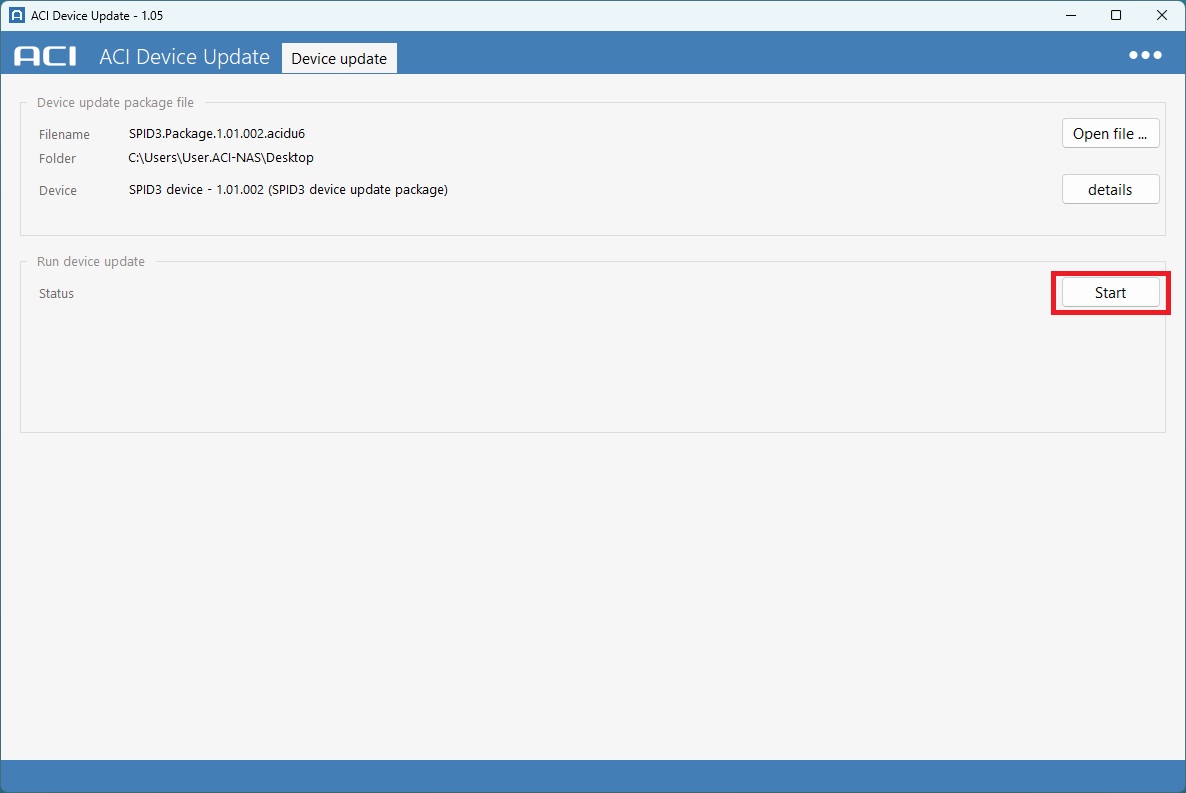
- When prompted by the device update software
Disconnect SPID3 from the power supply
Set jumper from default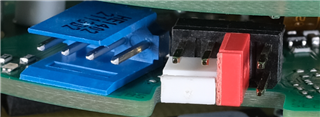 to
to 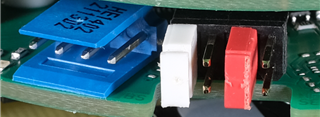 programming.
SPID3 Establish power supply - Wait for the update process to complete - Do not interrupt the power supply under any circumstances -
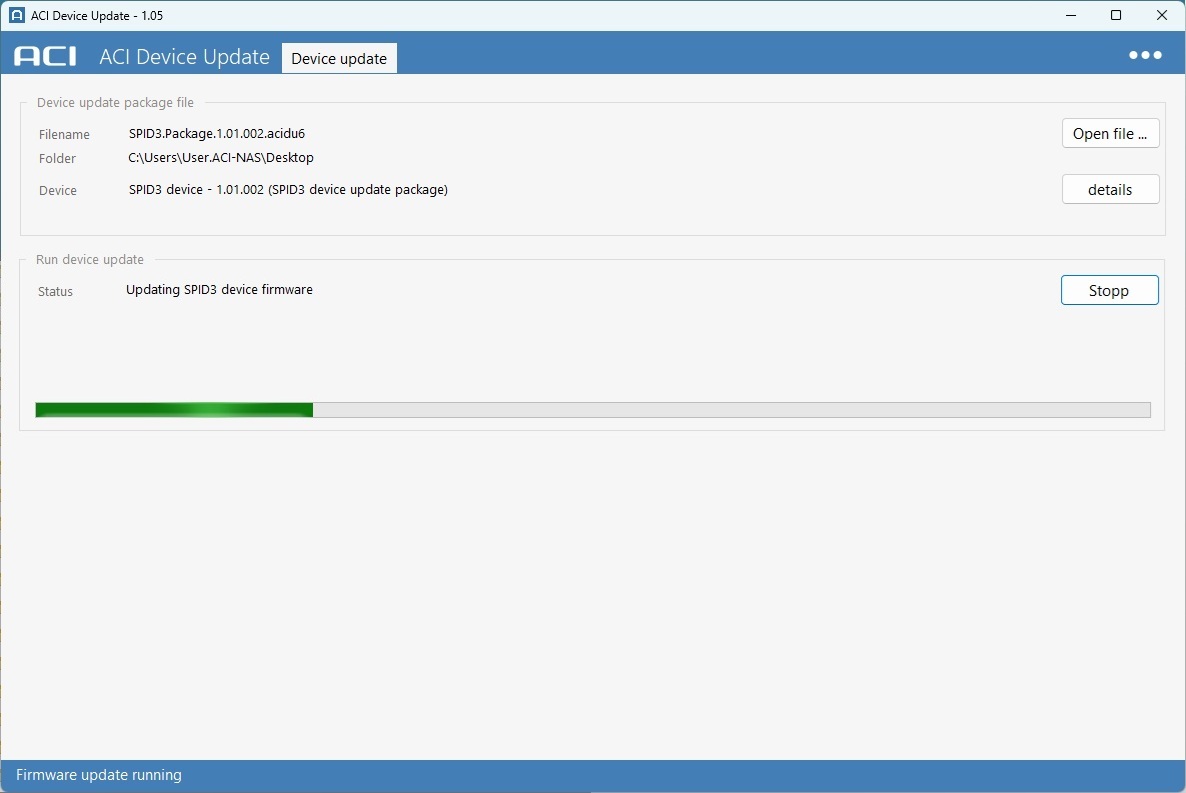
- After a successful update, disconnect the power supply, remove the cables and reset the jumpers.
- Screw SPID3 shut and secure the grub screw..